Introduction
Are you ready to dive into one of the most successful mobile games ever created? The Download FGO JP Japanese version offers an incredible gaming experience that has generated billions in revenue and maintains a dedicated player base worldwide. This guide will help you access and enjoy this phenomenal game, regardless of where you live.
Why Players Choose the Japanese Version
The Japanese server of this popular mobile game offers distinct advantages that attract players from around the globe.
Content Arrives First
Japan receives every update, event, and new character before any other region. New story chapters typically appear 1-2 years before reaching other servers. For players who can’t wait to experience new content, this makes a huge difference.
Unique Events and Collaborations
Certain collaboration events only appear on the Japanese server. Licensing agreements sometimes prevent these special crossovers from reaching international audiences, making the Japanese version the only way to participate.
The Largest Player Community
With millions of active players, the Japanese server boasts:
- More friend options for support servants
- Active social media communities
- Constant discussion and strategy sharing
- Faster problem-solving when issues arise
Revenue Statistics
The game has consistently ranked among the top-grossing mobile games globally, earning over $4 billion since launch. The Japanese server represents the largest portion of this revenue, demonstrating its massive popularity and active player base.
What You Need Before Starting
Make sure your device meets these requirements:
For Android:
- Operating system version 5.0 or higher
- Minimum 3GB RAM (4GB recommended)
- At least 5GB free storage space
- ARM processor architecture
For iOS:
- iOS 11.0 or later
- iPhone 6 or newer models recommended
- iPad Air 2 or newer for tablets
- 5GB available storage
Internet Connection:
- Stable WiFi for initial download
- Mobile data works for gameplay
- Download size exceeds 3GB total
How to Download FGO JP on Android
Android users have multiple reliable methods to access the game.
Using QooApp (Recommended Method)
QooApp has become the go-to platform for accessing Asian mobile games. Here’s the complete process:
Installation Steps:
- Open your mobile browser and visit the official QooApp website
- Locate the download button for the QooApp APK
- Your browser will warn about downloading files – accept to continue
- Once downloaded, tap the APK file to begin installation
- Android will request permission to install apps from this source
- Go to Settings > Security > Unknown Sources and enable it
- Return and complete the QooApp installation
- Launch QooApp after installation finishes
Finding and Installing the Game:
- Open QooApp and use the search function
- Type “Fate/Grand Order” in the search bar
- Multiple versions appear – select the Japanese version (often marked JP or with Japanese text)
- Tap the install button
- Wait for the download to complete (size varies but expect 2-3GB)
- Launch the game from QooApp or your app drawer
Why QooApp Works Well:
- Automatic update notifications
- Safe and verified downloads
- Large library of Asian games
- Active community features
- No regional restrictions
Alternative: APKPure Method
APKPure provides another trusted source:
- Visit APKPure’s website using your mobile browser
- Search for the Japanese version of the game
- Download the APK file directly
- Enable unknown sources in your security settings
- Install the downloaded APK
- Launch and begin playing
Advantages of APKPure:
- Direct downloads available
- No additional app required
- Regular version updates
- Clean and straightforward interface
Japanese Google Play Store Method
This approach uses the official store with a workaround:
Creating a Japanese Google Account:
- Download a VPN application (many free options exist)
- Connect to a Japanese server location
- Create a new Google account while connected
- Keep your VPN active throughout account creation
- Access the Google Play Store with your new account
- The store should display in Japanese
Downloading the Game:
- Search for the game in Japanese characters or English
- Find the official version published by Aniplex
- Download normally, as you would any app
- The game installs through the official store
- Disconnectthe VPN after installation completes
Note: You’ll need the VPN again for future updates through Google Play.
How to Download FGO JP on iPhone and iPad
iOS users face slightly more steps, but can absolutely access the game.
Setting Up a Japanese Apple ID
Apple’s region-locking requires a Japanese account:
Account Creation Process:
- Open Settings on your iOS device
- Tap your name at the top
- Navigate to Media & Purchases
- Sign out of the App Store (NOT iCloud – this is important)
- Open the App Store application
- Find any free app and attempt to download it
- Choose “Create New Apple ID” when prompted
- Select Japan as your country/region
- Read and accept the terms and conditions
- Complete the required information fields
Address Information:
You’ll need a Japanese address. Use these tips:
- Search for “Japanese address generator” online
- Use a hotel address in Tokyo or another major city
- The postal code must match the address format
- Choose “None” for payment method if available
Email Verification:
- Use a valid email address you can access
- Check your inbox for the verification email
- Click the verification link
- Your Japanese Apple ID is now active
Downloading Through the Japanese App Store
Once your account is ready:
- Open the App Store (you should see Japanese text)
- Search for “Fate/Grand Order” or “FGO”
- Look for the version by Aniplex Inc.
- Download as you would any normal app
- Wait for the download to complete
Switching Back to Your Regular Account:
- After installation, return to Settings
- Sign out of the Japanese Apple ID in the App Store
- Sign back in with your regular account
- The game remains installed and functional
- Switch back to update the game when needed
Important iOS Considerations
Storage Management:
- Clear space before downloading
- The initial download is large
- Additional data downloads occur on first launch
Account Switching:
- You can maintain multiple Apple IDs on one device
- Only App Store sign-in changes, not iCloud
- Your personal data remains safe and separate
First Launch and Initial Setup
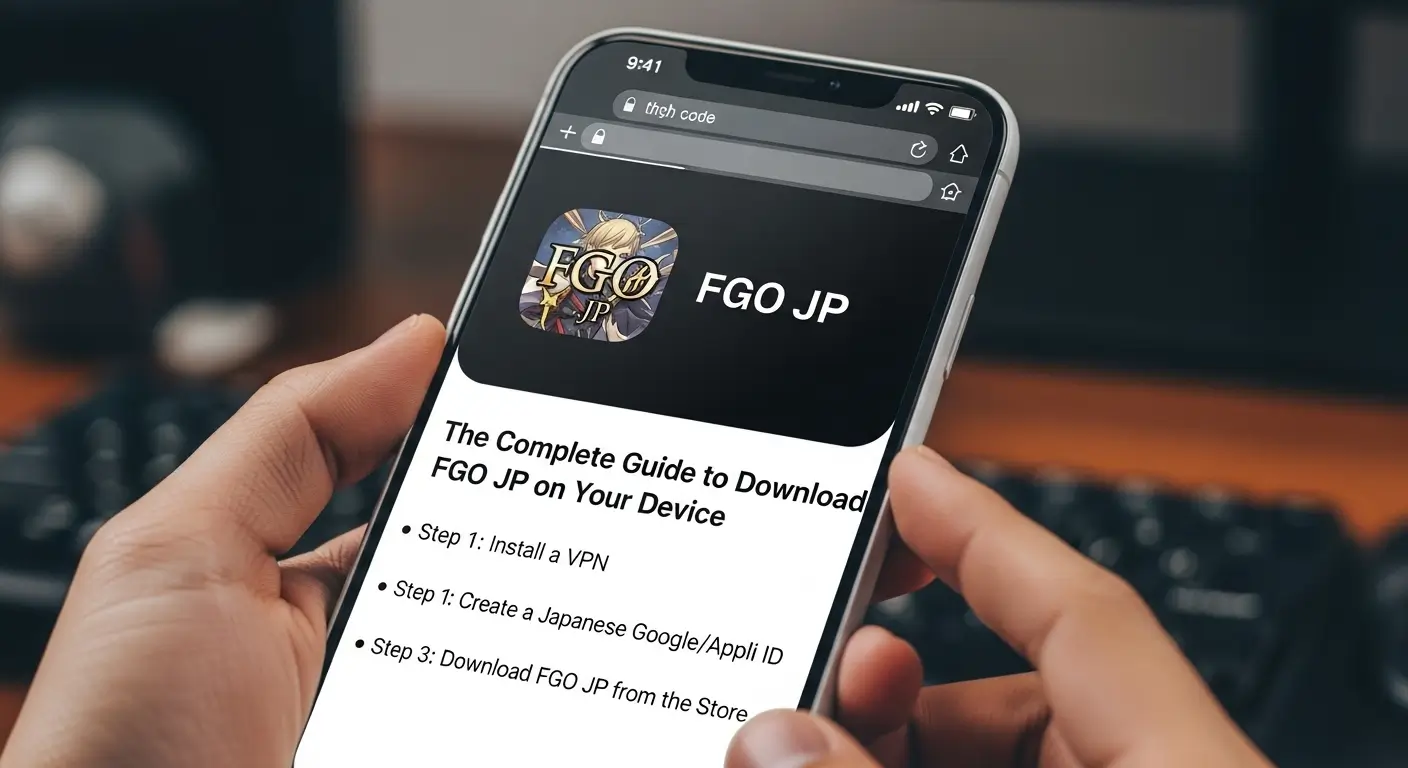
After successfully installing the game, expect a lengthy setup process.
Initial Data Download
What Happens:
- The app opens to a download screen
- An additional 2-3GB of data must be downloaded
- This process takes 15-45 minutes, depending on connection speed
- Use WiFi to avoid data charges
Download Tips:
- Ensure a stable internet connection
- Don’t close the app during download
- Keep your device charged or plugged in
- Patience is essential here
Tutorial Sequence
The game begins with a tutorial battle that teaches:
Basic Mechanics:
- Card-based combat system
- Character abilities and skills
- Support servant selection
- Noble Phantasm activation
Your First Servant:
You’ll receive a guaranteed servant summon from a limited pool. While veteran players debate optimal choices, any selection works fine for beginners.
Navigating the Japanese Interface
Don’t let the language barrier intimidate you.
Key Menu Items
Learn these important sections:
Main Screen Buttons:
- マイルーム = My Room (character interactions, settings)
- 編成 = Formation (party setup)
- 強化 = Enhancement (leveling and upgrading)
- ショップ = Shop (purchasing items)
- クエスト = Quest (story and battles)
- 召喚 = Summon (gacha system)
Visual Cues Help Navigation
The game uses many visual indicators:
- Color-coded menus
- Character portraits for navigation
- Icons that match universal gaming symbols
- Consistent layout across menus
Community Translation Resources
The international community provides excellent support:
Available Resources:
- Wiki sites with full English translations
- Interface guides with screenshots
- YouTube tutorials with visual walkthroughs
- Reddit communities with helpful veterans
- Discord servers dedicated to helping players
Account Security Essentials
Protecting your progress is crucial.
Transfer Code System
The game uses a unique backup method:
Creating Your Transfer Code:
- Access My Room from the main menu
- Look for “Issue Transfer Code” (English text appears here)
- Set a password (write this down)
- Screenshot the code and password together
- Store this information in multiple safe places
Critical Information:
- Transfer codes work only once
- After transferring, generate a new code immediately
- Lost codes without backup mean lost accounts
- Support for international players is limited
Social Media Binding
Recent updates allow additional security:
- Link your account to Twitter
- Connect through LINE (Japanese messaging app)
- Email binding may be available
- These provide alternative recovery methods
Managing Updates and Maintenance
Regular updates keep the game fresh.
Update Schedule
Regular Maintenance:
- Every Wednesday evening (Japan Standard Time)
- Usually lasts 2-4 hours
- Announces new events and features
- Provides free currency as compensation
Emergency Maintenance:
- Occurs for critical bugs
- Unpredictable timing
- Often gives generous compensation
- Check official Twitter for announcements
How to Update
Android Users:
- QooApp notifies you automatically
- Download and install through the same platform
- APKPure users check the website manually
iOS Users:
- Switch to your Japanese Apple ID
- Open App Store
- Check for updates
- Install and switch back to regular account
Understanding the Gacha System
The game uses a gacha (randomized) summoning system.
Saint Quartz Currency
Earning Free Currency:
- Login bonuses daily
- Completing story chapters
- Maintenance compensation
- Event participation rewards
- Special campaigns and celebrations
Purchasing Currency:
Prices in Japanese Yen:
- Small packs: 500-1,200 yen
- Medium packs: 2,500-5,000 yen
- Large packs: 9,800+ yen
Summoning Rates
Official rates published by the game:
- 5-star servants: 1% chance
- 4-star servants: 3% chance
- 3-star servants: 40% chance
- Craft essences fill remaining percentage
Rate-Up Banners:
Special banners increase specific servant chances, making target summoning more achievable.
Common Issues and Solutions
Troubleshooting helps maintain smooth gameplay.
Connection Problems
Solutions to try:
- Restart your internet connection
- Switch between WiFi and mobile data
- Close and reopen the application
- Check if maintenance is occurring
Performance Issues
Improving Game Performance:
- Clear cache in game settings
- Free up device storage space
- Close background applications
- Lower graphics settings if available
- Restart your device
Installation Failures
Troubleshooting Steps:
- Verify sufficient storage space
- Check internet connection stability
- Redownload the installation file
- Try alternative download method
- Restart device and try again
Payment Methods for In-Game Purchases
If you choose to support the game financially:
Android Payment Options
- Google Play credit (purchased in your region)
- Credit cards linked to Google account
- PayPal where supported
- Gift cards work for some regions
iOS Payment Options
- Japanese iTunes gift cards (purchase online)
- Credit cards with Japanese billing addresses
- Third-party gift card retailers
- Some international cards may work
Important Financial Notes
- Charges appear in Japanese Yen
- Exchange rates fluctuate
- Bank fees may apply for international transactions
- Always verify total cost before purchasing
Time Zone Considerations
The game operates on Japan Standard Time (JST).
Daily Reset Times
Important Timing:
- Daily login bonuses reset at midnight JST
- Event deadlines follow JST
- Maintenance occurs Wednesday evenings JST
- Limited banners end precisely at announced JST times
Calculating Your Local Time:
- Japan is UTC+9
- Convert JST to your timezone
- Many phone apps help with this
- Set reminders for important deadlines
Connecting with the Community
The player community enhances your experience significantly.
Finding Resources
Recommended Platforms:
Reddit:
- Active daily help threads
- Event guides and strategies
- News and announcements
- Friendly community willing to help
Discord:
- Real-time chat with players
- Question and answer channels
- Friend code sharing
- Event coordination
YouTube:
- Visual guides for complex battles
- Summon session videos
- Character reviews and rankings
- Event walkthroughs
Friend System Benefits
Adding friends provides:
- Access to powerful support servants
- Friend point currency
- Social connection
- Strategic advantages in difficult battles
Final Thoughts
Successfully downloading and playing this game opens doors to incredible storytelling, engaging gameplay, and a worldwide community. While the initial setup requires effort, millions of international players have made this journey successfully.
The Japanese version offers the most complete and up-to-date experience available. You’ll access content years before other regions, participate in exclusive events, and join the largest community of players. The language barrier becomes minimal with available resources and intuitive game design.
Remember to back up your account regularly, connect with helpful community members, and most importantly, enjoy the adventure. Whether you’re a longtime fan of the Fate series or discovering it for the first time, this game provides hundreds of hours of entertainment and memorable moments.