Introduction
If you’re a fan of mobile gaming and anime, you’ve probably heard about Fate/Grand Order JP. This incredibly popular game has captured the hearts of millions worldwide, particularly in Japan, where it first launched. Many players outside Japan want to experience the Japanese version for exclusive content, earlier updates, and a more authentic experience. This comprehensive guide will walk you through everything you need to know about accessing and enjoying this fantastic game.
What Makes the Japanese Version Special?
Before diving into the download process, let’s understand why so many players prefer the Japanese version over regional releases.
Earlier Content and Updates
The Japanese server receives all new content first. New servants, story chapters, events, and game features debut in Japan months before they appear in other regions. For dedicated fans who want to experience content as soon as it releases, this is a significant advantage.
Exclusive Collaborations
Some collaboration events remain exclusive to the Japanese version. These special crossovers with other popular franchises may never make it to international servers due to licensing restrictions.
The Original Voice Acting Experience
Playing in Japanese provides the authentic voice acting experience with the original seiyuu (voice actors). While other versions maintain Japanese audio, the JP version ensures you’re getting the content exactly as the developers intended.
Understanding Regional Restrictions
Mobile games often implement regional restrictions based on your location. The Japanese version isn’t officially available in most app stores outside Japan, which creates a challenge for international players. However, there are legitimate methods to access the game from anywhere in the world.
Requirements Before You Begin
Make sure you have these basics covered:
- A compatible smartphone (iOS 11.0 or later, Android 5.0 or later)
- At least 4GB of free storage space
- A stable internet connection
- Willingness to navigate Japanese menus (though fan translations exist)
Downloading on Android Devices
Android users have the most straightforward path to accessing the Japanese version.
Method 1: Using QooApp
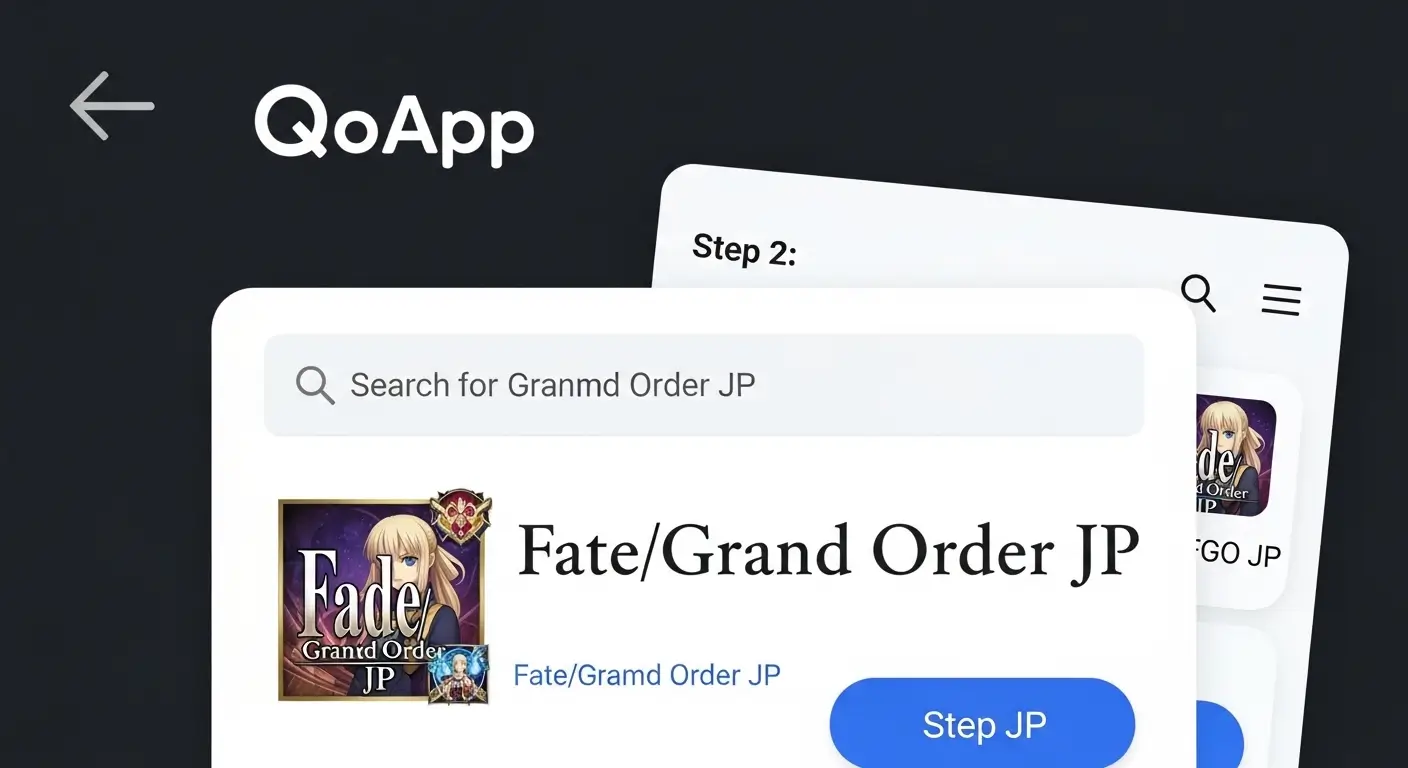
QooApp is a trusted third-party app store specializing in Asian mobile games.
Step-by-step process:
- Visit the official QooApp website using your mobile browser
- Download the QooApp APK file
- Enable “Install from Unknown Sources” in your device settings
- Install QooApp on your device
- Open QooApp and search for Fate/Grand Order
- Select the Japanese version (marked as FGO JP)
- Tap the download button and wait for installation
- Launch the game once installation completes
Important security note: Only download QooApp from its official website to avoid malicious software. The platform has served millions of users safely for years.
Method 2: APKPure
APKPure offers another reliable alternative for Android users:
- Navigate to the APKPure website
- Search for Fate/Grand Order JP
- Download the APK file directly
- Allow installation from unknown sources
- Install and launch the game
Method 3: Japanese Google Play Account
For those who prefer official app stores:
- Create a new Google account
- Use a VPN to connect to a Japanese server
- Access Google Play Store
- Set your country to Japan in account settings
- Search and download the game normally
This method requires maintaining the VPN connection during download, but not necessarily during gameplay.
Downloading on iOS Devices
iPhone and iPad users face a slightly more complex process but nothing too difficult.
Creating a Japanese Apple ID
Follow these steps carefully:
- Open your device settings and sign out of your current Apple ID (in the App Store only, not iCloud)
- Open the App Store application
- Search for any free app and attempt to download it
- When prompted, select “Create New Apple ID.”
- Choose Japan as your country/region
- Agree to terms and conditions
- Fill in the required information (use a Japanese address generator for the billing address)
- Select “None” as your payment method
- Verify your email address
- Sign in with your new Japanese Apple ID in the App Store
Downloading the Game
Once your Japanese Apple ID is active:
- Search for “Fate/Grand Order” in the Japanese App Store
- Look for the version published by Aniplex Inc.
- Download and install the game
- Switch back to your regular Apple ID after installation (the game will continue working)
Pro tip: You can keep both accounts on your device and switch between them whenever needed to update.
Initial Setup and Tutorial
After successful installation, you’ll encounter the initial game setup.
First Launch
The first time you open the game, expect:
- A lengthy data download (2-3GB)
- A stable WiFi connection is strongly recommended
- Approximately 20-30 minutes for the complete download
Tutorial Battle
The game begins with a tutorial battle that introduces:
- Basic combat mechanics
- Your first servant summons
- Initial story elements
- Control interface
Don’t worry about understanding every Japanese word during the tutorial. The gameplay is intuitive, and you’ll quickly grasp the mechanics through visual cues.
Navigating the Japanese Interface
Essential Menu Translations
Here are the most important menu items you’ll encounter:
Main Menu Options:
- マイルーム (My Room)
- 編成 (Party Formation)
- 強化 (Enhancement)
- ショップ (Shop)
- フレンド (Friends)
- クエスト (Quests)
Using Fan Resources
The global Fate/Grand Order community has created numerous resources:
- Translation wikis
- Interface guides with screenshots
- Event walkthroughs
- Community Discord servers with helpful veterans
These tools make playing in Japanese much more manageable, even without language knowledge.
Account Security and Backup
Protecting your account should be a top priority.
Transfer Codes
The game uses a transfer code system for account recovery:
- Navigate to My Room
- Select “Issue Transfer Code”
- Create a password
- Screenshot or write down both the code and the password
- Store this information safely
Critical warning: Transfer codes work only once. After using a code, immediately generate a new one.
Bind to Social Media
More recent updates allow binding accounts to:
- LINE (Japanese messaging app)
This provides additional security and easier account recovery.
Managing Game Updates
Regular updates add new content and fix bugs.
Update Process
For Android users:
- QooApp and APKPure notify you of updates
- Download and install updates through the same platform
For iOS users:
- Updates appear in the Japanese App Store
- Switch to your Japanese Apple ID to update
- Return to your regular account after completion
Update Frequency
Expect updates during:
- Weekly maintenance (usually Wednesday evenings Japan time)
- New event launches
- Emergency bug fixes
- Anniversary celebrations
Understanding In-Game Purchases
The Japanese version uses Japanese Yen for transactions.
Payment Methods
Available payment options vary by platform:
Android:
- Google Play credit (purchased in your region)
- Credit cards
- PayPal (where supported)
iOS:
- Japanese iTunes gift cards
- Credit cards registered to Japanese addresses
Saint Quartz Prices
The premium currency (Saint Quartz) comes in various packages:
- Small packs (around 500-1000 yen)
- Medium packs (2000-5000 yen)
- Large packs (10000+ yen)
Remember: Prices are displayed in Japanese Yen. Always verify exchange rates before purchasing.
Connection and Performance Issues

Common Problems and Solutions
Slow loading times:
- Clear cache in game settings
- Ensure a stable internet connection
- Free up device storage space
Connection errors:
- Check if maintenance is ongoing
- Verify your internet connection
- Restart the application
Game crashes:
- Update to the latest version
- Restart your device
- Reinstall if problems persist
Server Maintenance
Japanese servers undergo regular maintenance:
- Usually on Wednesday evenings (Japan Standard Time)
- Typically lasts 2-4 hours
- Extended maintenance provides compensation (Saint Quartz)
Community and Resources
Finding Fellow Players
Connect with the community through:
Reddit:
- r/grandorder (accepts all versions)
- Daily help threads
- Event guides and discussions
Discord Servers:
- Official community servers
- Language-specific communities
- Helpful veterans willing to assist newcomers
YouTube:
- Gameplay guides
- Summon strategies
- Event walkthroughs with visual aids
Translation Tools
Helpful applications include:
- Google Translate camera feature
- Community-created translation overlays
- Wiki databases with English translations
Legal and Ethical Considerations
Terms of Service
Playing from outside Japan technically violates the terms of service, but:
- Developers rarely enforce this restriction
- Millions of international players participate without issues
- Focus on maintaining good account standing
Supporting the Developers
If you enjoy the game:
- Consider making in-game purchases
- Participate in community events
- Share positive feedback through appropriate channels
Advantages of Playing the Japanese Version
After setup, you’ll enjoy numerous benefits:
Content advantages:
- Three years ahead of North American servers
- Access to all collaboration events
- Experience story chapters first
Community benefits:
- Larger player base
- More friend options
- Active Japanese and international communities
Strategic planning:
- Preview upcoming content for other regions
- Plan resource management better
- Prepare strategies in advance
Time Zone Considerations
Running on Japan Standard Time means:
- Daily reset occurs at different local times
- Event start times require conversion
- Login bonuses refresh on the JST schedule
Use time zone converters to track important deadlines and event schedules.
Final Thoughts
Accessing and enjoying the Fate/Grand Order JP Japanese version opens up a world of content and excitement. While the initial setup requires some effort, millions of players worldwide have successfully made the journey.
The vibrant community, early access to content, and authentic experience make it worthwhile for dedicated fans.
The process becomes second nature after the initial setup. You’ll navigate menus confidently, participate in events, and enjoy everything this incredible game offers.
Whether you’re a longtime Fate series fan or new to the franchise, the Japanese version provides the definitive mobile gaming experience.